WPML Multilingual CMS
WPML Multilingual is a powerful WordPress plugin that is designed to improve engagement, SEO, and user experience on your website. It increases interaction on your website by offering content in multiple languages. It provides a personal experience to your customers by providing website’s material in their own language.
WPML works as a multilingual powerhouse that can easily translate your posts, pages, custom types, taxonomies, menus, and even theme texts into any language. It is also optimized for SEO due to its higher compatibility with other WordPress themes and plugins. Whether you’re targeting a bilingual audience or multiple international markets and you want to provide a seamless translation management experience to your visitors, download WPML Multilingual from GPL Chimp official website for free. You don’t need to spend $199 annually.
Key Features of WPML Multilingual CMS
- Translate Every Element: WPML translates each and every element on your website including Posts, pages, custom post types, Categories, tags, custom taxonomies, Menus, widgets, Theme and plugin texts.
- Translation Management System: WPML contains a translation management system that tracks progress and ensures consistency while translating different languages.
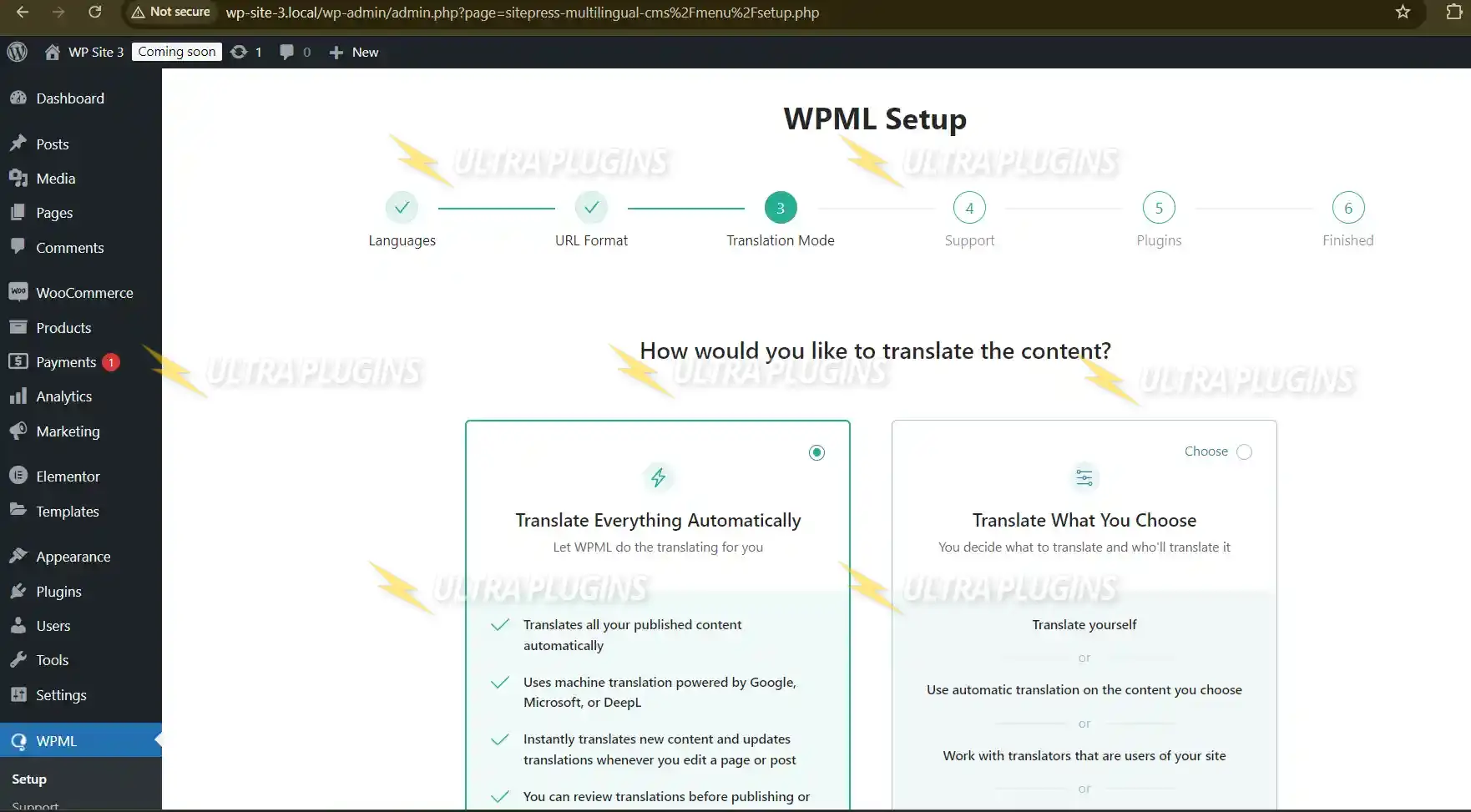
- Automatic & Manual Translations: WPML provides both automatic and manual translations and ensures speed and precision. It connects with DeepL, Google Translate, or Microsoft Translator to provide automatic translations.
- SEO-Friendly Multilingual Content: WPML is an SEO friendly multilingual content plugin that integrates with Yoast SEO and Rank Math SEO to rank your site in multiple languages and attract more global visitors.
- WooCommerce Multilingual Support: WPML also provides multilingual support to sell product titles, descriptions, cart and checkout pages, emails and transactional messages to global customers.
Steps to Download WPML Multilingual CMS from GPL Chimp
- Go to the GPL Chimp official website.
- Search for “WPML Multilingual CMS”
- Download the ZIP file
- Log in to your WordPress dashboard
- Navigate to Plugins > Add New > Upload Plugin
- Upload the ZIP file
- Install the plugin
- Activate the plugin
- Configure the plugin by choosing your site’s default language and additional languages
Frequently Asked Questions (FAQs)
Does WPML work with all WordPress themes?
Yes, WPML is compatible with most modern themes and builders, including Elementor, WPBakery, Astra, Divi, and others.
Can I translate WooCommerce product pages?
Absolutely! You can translate WooCommerce products, variations, cart, and checkout pages with the help of WPML.
Can we download WPML Multilingual CMS for free?
Yes, you can download WPML for free from GPL Chimp. You can increase your customer’s experience by providing advanced multilingual support.
Changelog for WPML Multilingual CMS
Version 4.9.2 – Mar 5, 2026
- Fixed: Issue with string translations not showing up in translated custom post types
- Improved: Compatibility with WooCommerce 9.3 and WordPress 6.6
- Updated: Performance optimization during language switcher rendering
Version 4.6.8 – April 16, 2025
- Fixed: PHP warnings with specific theme templates
- Improved: UX for language selector in admin panel
- Enhanced: Support for WP 6.5 compatibility
Version 4.6.7 – March 10, 2025
- Improved: Integration with Advanced Custom Fields (ACF)
- Fixed: Bug with string duplication in dynamic widgets
- Added: Filter hook for customizing translated menu labels