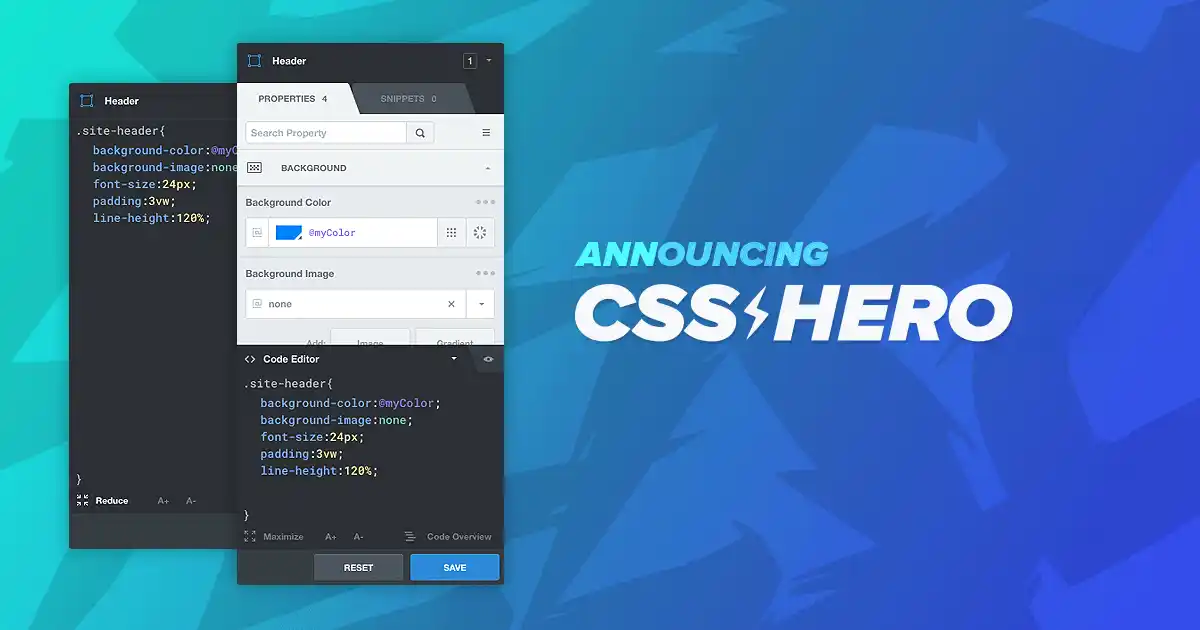
CSS Hero Pro – WordPress Visual CSS Editor Plugin Free Download
CSS Hero Pro is an advanced WordPress plugin that is used by many website developers and designers to customize their site’s appearance without writing a single line of code. It saves users from manual theme editing and allows them to easily modify styles such as fonts, colors, padding, margins, and borders across the entire site.
With a point-and-click interface, CSS Hero Pro lets you visually style your WordPress site while automatically generating optimized CSS code. It integrates seamlessly with popular page builders like Elementor, Divi, Gutenberg, and WPBakery. Whether you’re a beginner, blogger, or experienced developer, CSS Hero Pro bridges the gap between visual design and CSS precision.
You can download CSS Hero Pro for free and enjoy mobile-optimized, responsive design tools and advanced customization features—without writing a single line of code.
Key Features
- Point-and-Click Visual Styling: Easily change fonts, colors, backgrounds, spacing, forms, widgets, and more with a simple visual interface.
- Responsive Design Editor: Tweak font sizes, paddings, or margins for desktop, tablet, or mobile devices independently.
- Works with All Themes and Page Builders: Fully compatible with Elementor, Divi, WPBakery, Gutenberg, Astra, GeneratePress, and more.
- Unsaved Changes Recovery & History: Undo or redo edits and recover from previous sessions using the built-in session history system.
- Variables and Style Presets: Use global variables and design presets to maintain consistency, especially useful for agencies or brands.
Steps to Download CSS Hero Pro from GPL Chimp
- Visit the GPL Chimp official website.
- Type “CSS Hero Pro” in the search bar.
- Go to My Account > Downloads.
- Click Download to get the plugin ZIP file.
- Install the plugin in your WordPress dashboard.
- After installation, click Activate.
FAQs
1. Is CSS Hero Pro suitable for beginners?
Yes, CSS Hero Pro is especially designed for beginners and non-technical users who want to customize their site without coding knowledge.
2. Will my changes disappear if I deactivate or uninstall CSS Hero?
No. CSS Hero Pro keeps a full record of your unsaved changes and editing history, so your work remains safe.
3. Can we download CSS Hero Pro for free?
CSS Hero Pro is a premium plugin. However, you can download it for free from the GPL Chimp official website.
Changelog
Version 5.1.0 – Aug 15, 2025
Fixed variable issue in the is_color function.
Resolved variable calculation bug in the variables panel.
Improved beautifier script for consistent tab positioning.
Version 4.11 – 9.4.2020
Improved WordPress permission checks upon saving.
Added image file type validation for background uploads.
Version 4.1 – 26.2.2020
Fixed minor bug in history tracking.
Updated CodeMirror plugin and ColorPicker extension.
ColorPicker now loads the Site Colors Palette.